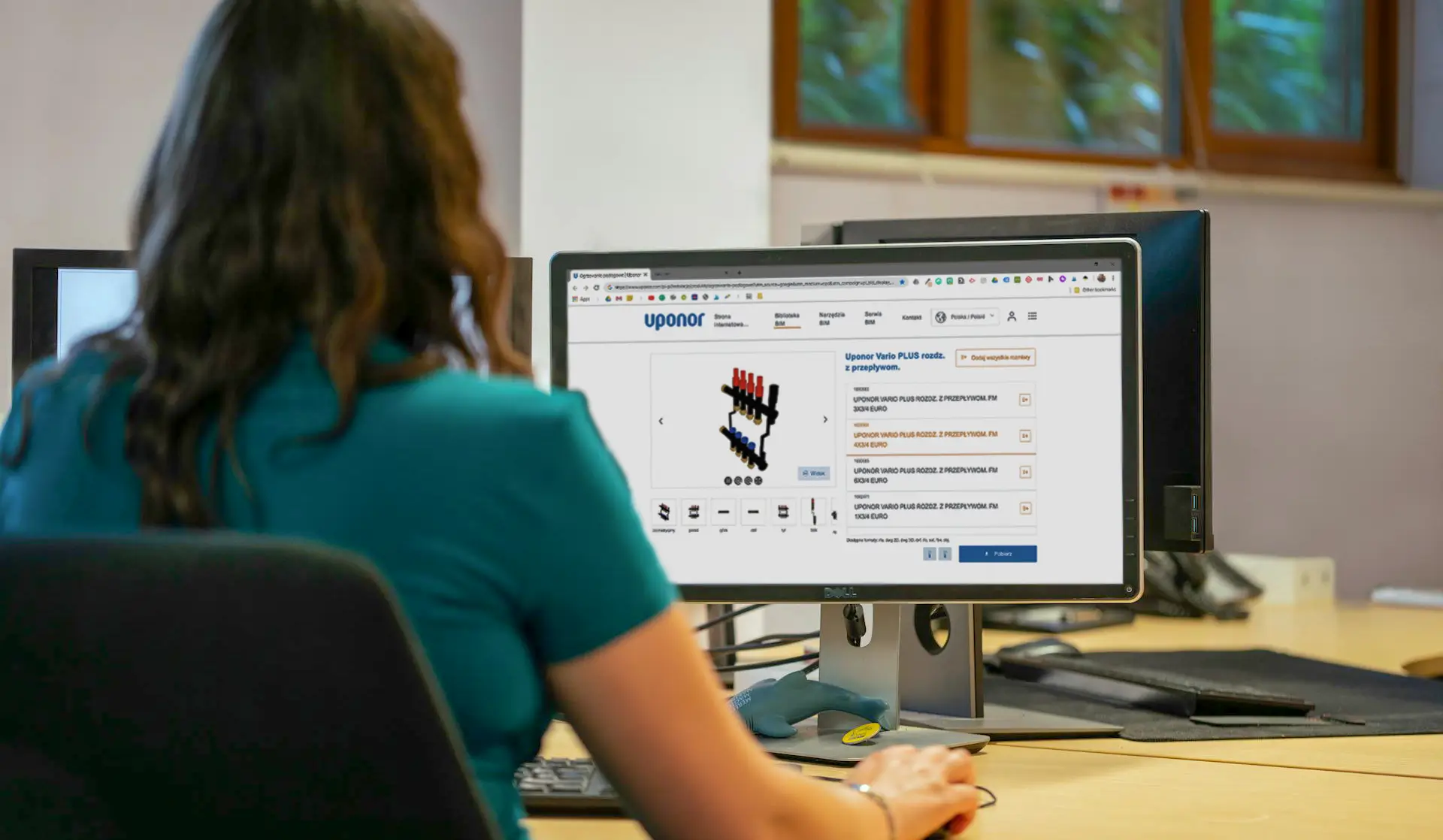
Read our article and learn about the pitfalls that await you if you decide to embed a BIM marketplace iframe on your website.
Article contains
Why do manufacturers choose to embed a BIM marketplace?
Many manufacturers treat BIM as a necessary evil. They know that architects and contractors increasingly expect access to 3D models, Revit families, IFC files, or technical documentation already at the design stage, but at the same time, they don't want to build the entire technological infrastructure from scratch. Therefore, when the topic arises in companies BIM for manufacturers, there are usually only two answers to how to make BIM files available on a website:
using an external BIM marketplace and embedding it on the manufacturer's website,
creating their own BIM portal under their own domain.
The first option seems faster and simpler, because the manufacturing company doesn't have to independently design a login system, product catalog, search engine, file download panel, or library update mechanism. It's enough to add their objects to the aggregator, and then embed the ready-made platform view using an iframe – a code element that allows dynamic use of a fragment of one website on another – on their own website.
At first glance, an iframe looks very convenient. It's simply a "window" embedded in an existing website, through which the user sees a fragment of an external service. For the IT department, this means minimal work: there's no need to build their own system, integrate a product database, create a separate portal, or manage the entire infrastructure. From a marketing perspective, it also sounds reasonable: a "download BIM" section appears on a dedicated subpage, the user can click on the library, and the company can say that BIM file sharing is "taken care of."
A library aggregator also provides a sense of security because it's a well-known platform used by other building material manufacturers. In theory, it solves several problems at once: library hosting, their presentation and download, and sometimes even basic statistics. For companies just starting their journey with BIM for manufacturers, such a path can be tempting, especially when the budget is limited and the pressure for quick implementation is high.
The problem is that the choice between an external aggregator and one's own BIM portal is not solely a technical decision. It's a business decision about who controls the user experience, download data, the path of contact with the designer, and the way products are presented. A manufacturer can treat BIM superficially, but they can also treat it as an important part of their website, consultative sales, and content strategy. And this is where the fundamental difference begins between simply embedding a marketplace and building your own, well-designed online BIM object library.
In the following paragraphs, we will delve into several issues that are worth knowing before making a decision about choosing software for publishing BIM libraries.
Pitfalls of BIM libraries in iframes
An iframe seems like a convenient compromise: the manufacturer displays the BIM library on their site, but doesn't have to build the entire technical infrastructure. The user sees a product catalog, download buttons, and technical descriptions, and for the IT department, implementation often comes down to embedding a ready-made module.
The problem is that such convenience comes at a price. What looks like part of the manufacturer's website from a user's perspective still remains, technologically, an element of an external system. This impacts not only SEO but also data, the architect's journey, and control over market relationships.
For search engines and AI, your "downloads" subpage is empty
Let's start with technology. When we embed a BIM marketplace on a manufacturer's website as an iframe, for Google bots – and increasingly for AI algorithms and language models – the content within that window doesn't belong to us at all. A user might see a product list, parameters, file formats, technical descriptions, and "download for project" buttons, but the search engine doesn't treat this content as native content placed directly on the site.
This is what's known as foreign content – content originating from outside the main document. The entire value of product descriptions, keywords, catalog structure, technical parameters, or product application data exclusively benefits the domain where that content is actually hosted. Therefore, BIM files shared this way on a manufacturer's website do not build its organic visibility.
As a result, while the "Downloads" subpage might look rich to a human, it remains almost empty for a search engine. The bot sees a header, a short description, and a frame with external content. It does not, however, see the full library as part of your information ecosystem.
This is particularly important because users in the construction sector today search very specifically: by parameters, object type, file format, material, resistance class, or compatibility with a given design environment. If this information is locked within an embedded module, you lose part of your SEO potential, and visibility in queries that are very close to the design decision. When someone asks AI about a product meeting specific criteria, the algorithm might point to a source with full data, not your domain which merely displays it in a frame.
And actually, this means three things:
you strengthen the visibility of the external catalog,
your BIM files section doesn't utilize its full SEO potential,
part of the traffic from product queries may go outside your domain.
You pay to acquire a user for... a portal
The second pitfall of using an "external" BIM portal for manufacturers concerns the user journey. A specifier looking for materials for their Revit project reaches you from Google, an ad, a newsletter, or an expert article. They are interested in a specific product and want to download its BIM file. Clicking "Download" should be a natural moment to deepen the relationship with your brand. Instead, a login or registration screen for an external system often appears.
At this point, something paradoxical happens: you paid to acquire the traffic, but someone else takes over the most crucial interaction. The user creates an account outside your process, accepts terms and conditions there, leaves data about subsequent project stages there, and begins building a download history there.
Of course, simply using external libraries doesn't have to be a mistake. The problem begins when they become the primary point of user interaction, rather than just an additional distribution channel.
If the most important action – a BIM download – happens outside your system, you lose some data, context, and influence over future communication. From a business perspective, the process looks like this: you invest in SEO, campaigns, content, and brand recognition to bring a user to your site, and then you hand them over to a tool for which you often pay an additional subscription. This model is very beneficial for the owner of the external catalog. For a building materials manufacturer, it means limited control over the so-called Customer Journey.
Wondering how to share BIM files on your website? Contact us and schedule a free demo of BIMStreamer – our tool for sharing BIM files for manufacturers!
The Amazon Effect – you open the door to competition
The biggest risk emerges later. If a designer gets used to downloading models from one large catalog, next time they might not return directly to the manufacturer's website for BIM files. Instead, they'll go where they have an account, download history, and access to multiple brands in one place.
This mechanism is similar to shopping on large e-commerce platforms. A user starts with a specific product, but after a moment, they see alternatives: similar solutions, other brands, competing systems, sometimes better described or more attractively presented. It works the same way in the BIM world. Next to your product, competitor solutions might appear, giving the designer a ready path to compare offers.
In this way, a company that only wanted to facilitate access to files can unknowingly shift the user's attention to a place where its brand is one of many. Instead of guiding the designer through its own ecosystem – product description, documentation, case studies, contact with an advisor – it hands them the keys to a space where competitors are right next door.
The Solution – How to properly host BIM files on manufacturer website
The strategy of market leaders is based on building their own digital assets (Owned Media). At BIMStreamer, we believe that technology should work for your brand, not the other way around.
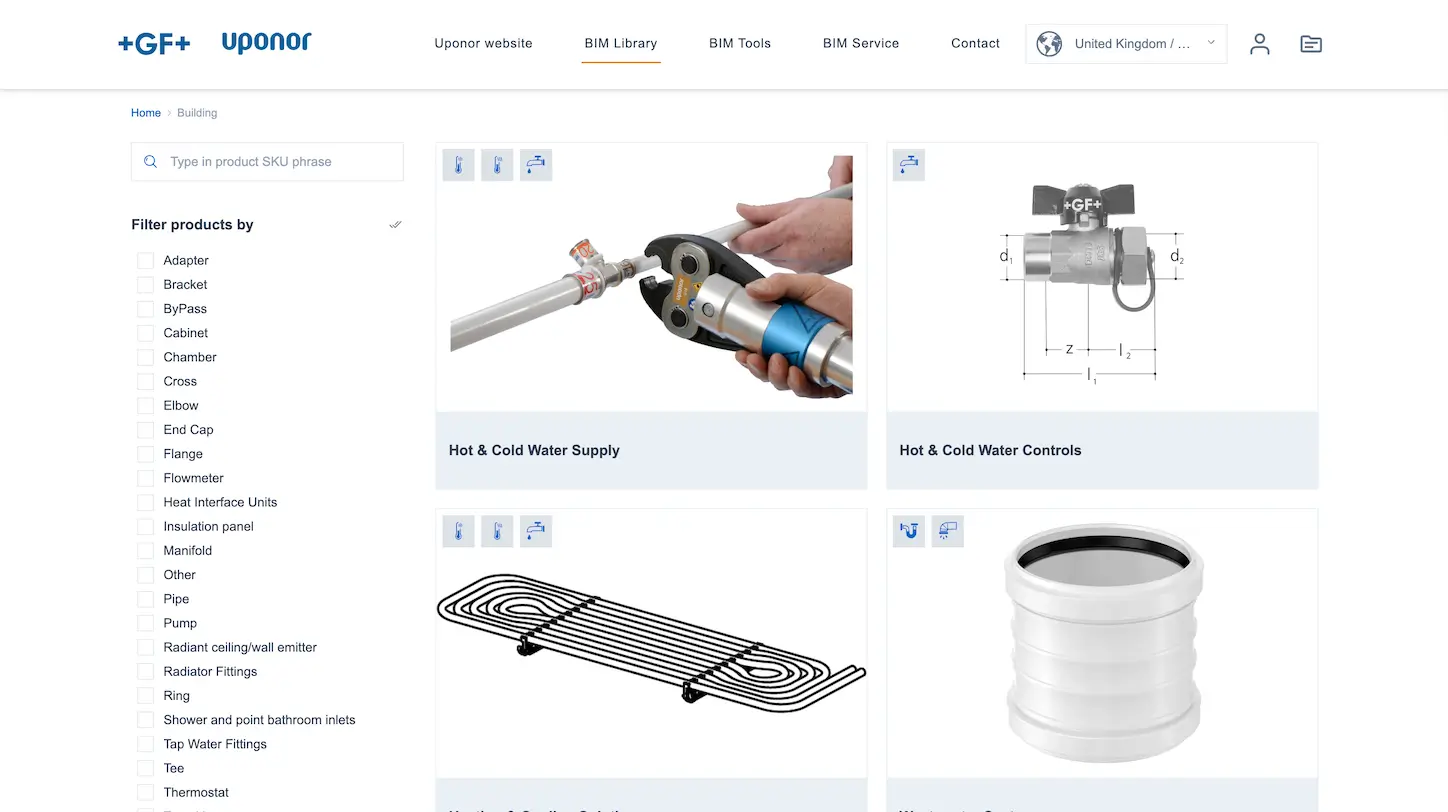
A dedicated BIM portal created by BIMStreamer for Georg Fischer AG – the Uponor brand
That's why we don't create another marketplace where you'll get lost in the crowd. We give you the technology to create your own library platform:
Full White-Label: The library looks like an integral part of your website. Your logo, your colors, no external brands.
This is Your Content: The library is not an "embedded window" (iframe), but actual content under your domain. Google and AI index it as your asset, building your online visibility.
Your User: You can integrate the system with your login database (SSO). The designer logs in with your account, and the lead goes directly to your CRM.
If you take BIM seriously – as a sales and marketing tool – you cannot rely on "renting" visibility from intermediaries. An intermediary cares about their traffic, not yours.
Invest in a solution that keeps users on your site, builds your SEO, and gives you exclusive access to customer attention. In the digital age, whoever controls traffic and data wins the market.
Stop paying to promote a marketplace. Start promoting yourself with BIMStreamer.
BIM marketing strategy — BIM marketplace or your own BIM platform?
Manufacturers often face a difficult choice: quickly achieving reach through BIM marketplaces or full control of their own platform. Before you make a decision, check how it really affects your BIM strategy.
Read
PIM systems
pim-bim-integration-omnichannel-for-manufacturers
PIM to BIM — how to integrate product data and improve information management?
Are you a construction manufacturer looking for a way to integrate product data from the PIM system into your BIM files? Read our article and learn how to efficiently implement PIM to BIM.
Read
PIM systems
does-bim-require-a-pim
Does BIM for manufacturers require a PIM system? The myth of ideal product data
Do you need a PIM to BIM to run a professional BIM library online for designers? Many companies assume that without a PIM system it is impossible to start. Read the article and see how manufacturers start with BIM even with data from Excel.
Read
Do you want to implement your own BIM platform? Write to us!
Book a free consultation with our specialist and find out how BIMstreamer can help you promote your products.
Thank you for contacting us!
Your message has been successfully sent. We will reply as soon as possible.
Oops! Something went wrong, failed to send the form.



.png)